
How to Perform SDD Data Recovery?
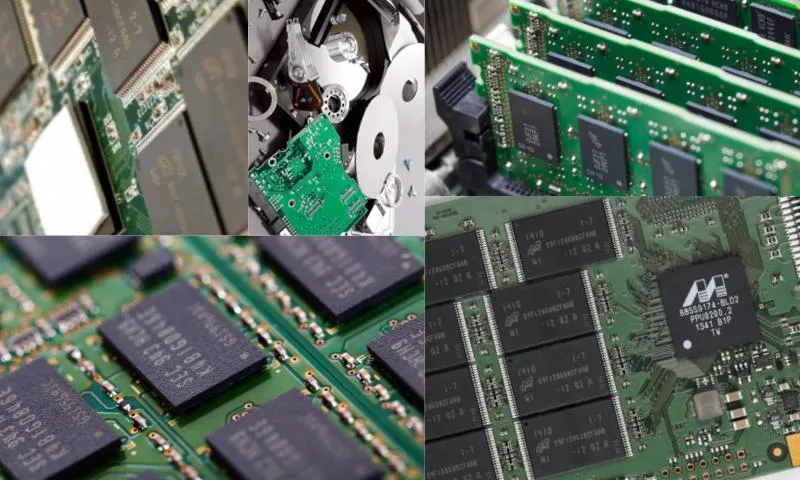
SDD, known in Turkish as Solid State Drive, is a device used in computers instead of a hard disk for data storage. While a standard hard disk has a maximum write speed of 150mb/s, SDDs have a speed of 560mb/s. Solid-state drives, preferred today over hard drives, extend battery life, reduce device weight, and increase read performance in computers. However, data loss can occur on SDDs for various reasons. To perform SDD data recovery, the failure on the SDD disk must first be diagnosed. Data loss on an SDD disk can occur for various reasons. The main reasons are:
- Virus infection or virus attack
- Careless formatting or deletion by users
- SDD disk failure
- Partition loss on the SDD disk
What to Do When a Solid-State Drive Loses Data?
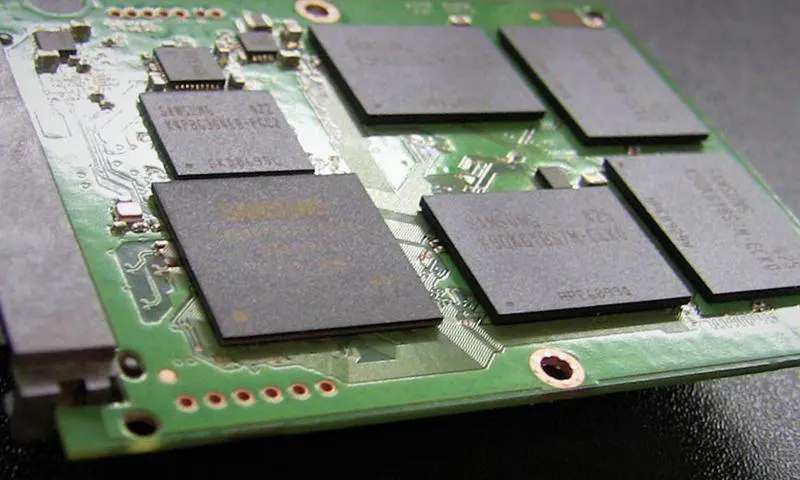
The first answer to the question 'How is SDD data recovery done?' is that you should keep your drive turned off from the moment data loss occurs until the data is retrieved. Because after damage occurs on the SDD disk, it may continue to overwrite files. This situation can increase the corruption on the SDD disk and also prevent the deleted data from being recovered. By keeping your solid-state drive off, you can prevent the damage from increasing and ensure the data remains in its original state.
Programs you might use to recover SDD disk data can worsen the situation, leading to the complete deletion of data. Therefore, you need to get technical support from a company that offers safe SDD data recovery services. Relevant online companies on the internet pages are among the first companies to offer SDD disk data recovery services throughout Turkey. With their expert engineers, the data loss on your solid-state drive can be resolved in a short time. Companies specializing in SDD disk data recovery continue their work with a high success rate.